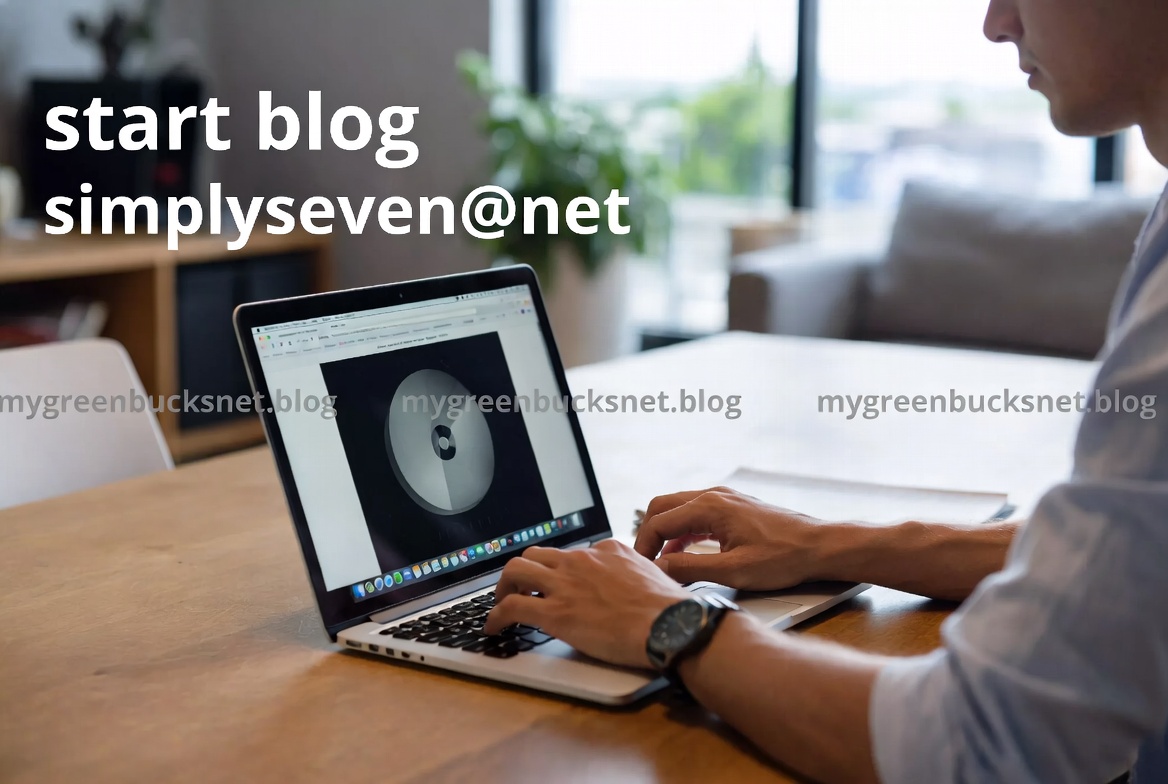
Hybrid Work is Here to Stay: How to Build Your Perfect Home Office Setup in Mexico
The way Mexico works has transformed. Hybrid and remote work models are no longer a temporary fix but a permanent feature of our professional landscape. Whether you’re an IT manager equipping a distributed team, a professional optimizing your productivity, or a student investing in reliable gear, having the right technology is crucial. At Pcredcom, we understand that the “perfect setup” balances performance, comfort, and value. Let’s explore the essential components for a powerful and ergonomic home office.
1. The Heart of Your Setup: Choosing the Right Laptop
The laptop is your command center. The choice depends entirely on your needs:
- For Professionals & Creators: Focus on power. Look for laptops with the latest Intel Core i7 or AMD Ryzen 7 processors, at least 16GB of RAM, and a solid-state drive (SSD) of 512GB or more. A dedicated graphics card (NVIDIA GTX or RTX series) is vital for design, video editing, and engineering software.
- For Students & General Use: Prioritize balance and battery life. A laptop with an Intel Core i5 or AMD Ryzen 5, 8GB of RAM, and a 256GB SSD will handle daily tasks, video calls, and multimedia smoothly without breaking the bank.
- Tip: Don’t underestimate portability. A lightweight, well-built model makes a difference if you move between home and the office.
2. Productivity Multipliers: Monitors, Docks, and Peripherals
- Dual Monitors: This is the single biggest upgrade for productivity. Adding a second monitor (or one large ultrawide screen) from brands like Dell, HP, or LG available at Pcredcom can dramatically reduce tab-switching and streamline your workflow. Look for IPS panels for better viewing angles and color accuracy.
- Docking Station: A universal docking station is a game-changer for hybrid workers. With one cable, you can connect your laptop to monitors, a keyboard, mouse, and network, turning your mobile device into a desktop powerhouse.
- Keyboard & Mouse: Invest in ergonomics. A quality mechanical keyboard and an ergonomic mouse can prevent strain during long work hours. Wireless models from Logitech offer clutter-free desks and reliability.
3. Crystal-Clear Communication: Audio and Video Essentials
Impress in every meeting:
- Webcams: Your laptop’s built-in camera often falls short. An external 1080p or 4K webcam (from brands like Logitech) with a good sensor and autofocus ensures you look sharp and professional.
- Audio: Ditch the echoing laptop microphone. A dedicated USB microphone or a headset with a noise-canceling mic dramatically improves audio clarity for you and your colleagues. For speakerphone-style meetings, all-in-one conference soundbars are a fantastic solution.
4. Reliability is Key: Printers and Power Protection
- Printers: For the home office, an all-in-one wireless ink tank printer is often the most cost-effective and practical choice. Brands like Epson and HP offer models that deliver thousands of pages at a very low cost-per-page, perfect for printing contracts, reports, or school assignments.
- Uninterruptible Power Supply (UPS): In Mexico, where power surges and outages can occur, a UPS is not a luxury—it’s essential protection. It safeguards your expensive equipment from voltage spikes and gives you crucial minutes to save your work and shut down safely during a blackout.
Conclusion of the Article:
Building your ideal home office is an investment in your efficiency, comfort, and career. It’s not about buying the most expensive item, but about selecting the right tools that fit your specific workflow. At Pcredcom, we are committed to offering you a wide range of trusted brands and the latest technology to help you navigate this new era of work. Explore our catalog and find everything you need to work smarter, from anywhere.
Ready to upgrade? Visit our “Home Office Solutions” section on Pcredcom to compare models, check current promotions, and find the perfect gear for your needs.
Conclusion on Content Strategy for Pcredcom
To effectively engage its target market of Mexican tech enthusiasts, IT professionals, and general consumers, Pcredcom’s content strategy should be built on three pillars: relevance, authority, and localization.
- Relevance: Articles must solve immediate problems or answer pressing questions for the audience. This means focusing on practical buying guides (like “How to choose a projector for a small classroom”), in-depth product comparisons (“RTX 4060 vs. RX 7600: Which GPU is best for gaming in 2024?”), and tips to optimize tech life (“5 software tools to manage your small business inventory”).
- Authority: Content should establish Pcredcom as a knowledgeable and trustworthy source. This is achieved through detailed, unbiased product reviews that highlight pros and cons for the local user, explanations of complex tech trends in simple terms, and guides on troubleshooting common issues with printers or networks.
- Localization: This is the critical differentiator. All content must be created in natural, Mexican Spanish. It should reference local prices (MXN), consider Mexico’s specific infrastructure (like power grid considerations), highlight products with local warranty support, and tie into national trends, sales seasons (like Hot Sale, Buen Fin), and usage contexts.
By consistently publishing content that is useful, trustworthy, and culturally resonant, Pcredcom can become more than just an e-commerce site; it can transform into a go-to resource and community hub for Mexico’s tech and office equipment needs, driving both engagement and sales.